
It is Christmas holiday season and close to year end of 2012. It is time to share gifts with family members and best of friends. I have used my iOS devices in the past years to take many photos. Those photos bring wonderful memory of our past. I decided to use iPhoto app to create photo books as Christmas and New Year gifts. I think this is a great idea and it will be a big surprise for people who will receive my photo books.
It is very easy to create a photo book. Here are some of my experiences.
Context Driven Process
I only started to use iPhoto to create books three weeks ago. Therefore, my limited experience may not explore all the features of how to create photo books. I must miss something I don't know. However, it is very easy to create a photo book in iPhoto app. There is Create button on the bottom right side in most cases. From there Book is one of options.
Depending on where you are, the book will bring in photos depending on the context. For example, if you open an event from Events in Library, the photos in this even will be placed in pages in your new book. If you open a person from Faces, the book will initialize pages based on photos for this person.
iPhoto's book comes with many different templates, and those templates make book design much easy. You have to open a page to change page layout from a list of choices such one photo, two photos and so on; however, there is a limitation to change page layout design. For example, you cannot change photo page size, delete text box or change text box size.
Choose Photo from Events
Most likely, you will want to choose photos from different events. To do that, you have to select an event first, then go back to your book to select photos from that event. This is a very tedious process if you have a lots of photos, such as thousands of photos across hundreds of events. There is no way to create a collection of photos as a template place. Another enhancement would be nice if search photo by key words/tags assigned to photo is available.
Output Options
There are many options you can output the book into different formats, such as web pages, JEG photos, slide movie, PDF book and physical book from Apple print shop. I think the last three options are the most popular ones.
To create slideshow movie, it can be done by Export from File menu. To generate PDF, you can choose Print or press Command + P keys.
As Christmas gift, I choose Buy Book in iPhoto. I notice one problem when I buy a book. If you use iPhoto to edit your book for some period of time, you may get crash when you buy your book. It is quite annoying after you go through steps to type in mailing address and credit information. Fortunately, you would not get charged if you fail to submit your request.
To avoid this problem, quit iPhoto if you edit your book. Re-open it just for Buy Book. This will be very smooth process without any trouble.
Another critical tip to create book should be done always if your photos are not processed or optimized. In the final step, go through all your photos and use the Enhance feature to get enhanced photo quality from Photo Edit.
The first book I submitted was on Sunday. The next day I got an email notification about my order. The third day I got a notification about shipment and on Thursday I received my order. The package is very nice packaged with Apple logo. The print quality is well done, almost as same as I see from my iMac screen.
After my first success try, I designed two more books for my best friends. The books are on the way to my friend's homes. They will be very surprised to receive my Christmas gifts. I think that those colorful and wonderful photos will be best gifts for them. They will remember this gift for long time.
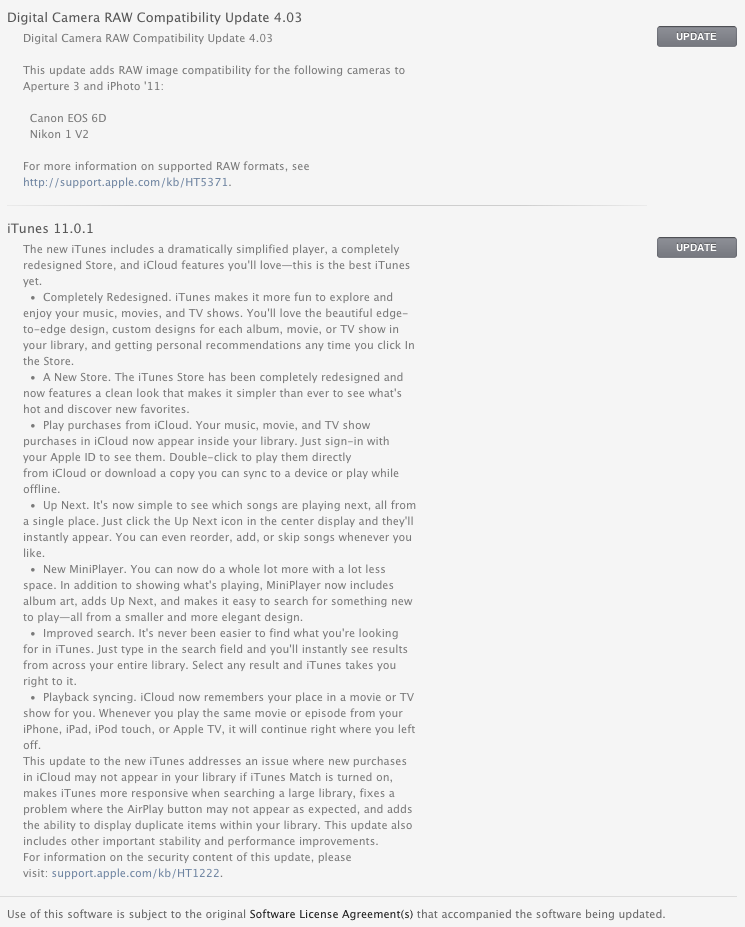
 This update happened when I got back from my 3-week vacation. This update is for Xcode 4.6. Right at the time I am going back to work on my app.

 I found my iMac 27 dead after I came back from my 3 week trip to China. I turned power off before I left. When I tried to turn on my iMac 27 as I came back, the screen stays black, nothing happening. I made an appointment with Apple Help Desk. I had to leave my Mac there since a support staff could not tell what's wrong at that time. He told me two possibilities: one is power supply and another is logic board.



 Posts
Posts

